
A Simple Guide to Finding and Using Coupons on ShopSaverz
By ShopSaverz · Aug 25, 2026 · 3 min read
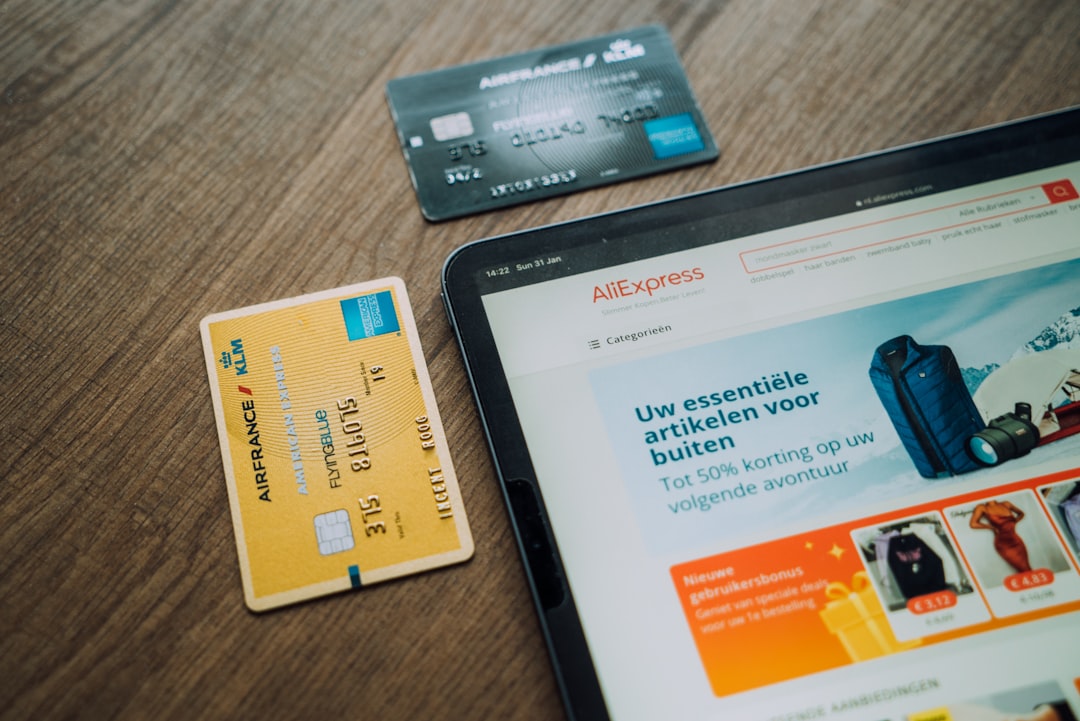
Photo by CardMapr.nl on Unsplash
ShopSaverz brings together many independent seller stores under one marketplace, and coupons are one of the easiest ways to save while shopping across these stores. Whether you are browsing the deals catalog for a specific product or exploring a seller's store page, keeping an eye out for available coupons can help you get more value from your purchase.
The first step is simply to look. Coupons are usually shown alongside a product or on the deals catalog, so it helps to check the product page closely before you add anything to your cart. Since ShopSaverz hosts independent sellers, coupon availability can vary from store to store, so what you see on one listing may not appear on another.
Once you find a coupon that applies to the item you want, the next step is to apply it during checkout. Most marketplaces, including ShopSaverz, let you enter or select a coupon before you finalize payment, so take a moment at that stage to double-check whether a coupon has been applied and that the discount reflects correctly in your order summary.
It is worth remembering that coupons are separate from other ways ShopSaverz lets you save, such as Bid Points and Saverz Coins. Bid Points are promotional points you earn for free through activities like the daily Spin Wheel, referrals, and check-ins, and they can be used to bid on selected products. Saverz Coins, on the other hand, are wallet credits you can use toward purchases. Coupons work independently of these features, so understanding the difference helps you use each one the right way.
A good habit is to check for coupons every time you shop rather than assuming none are available. Since ShopSaverz stores are run by different sellers, new coupons can appear on different products at different times, so a quick look before you buy can make a real difference to your final price.
If you are shopping for a specific item, it also helps to compare how a coupon changes the price relative to the original listing before you decide. This way, you get a clear picture of what you are actually saving rather than assuming a coupon automatically means the best possible deal.
Using coupons on ShopSaverz does not require anything complicated. It mainly comes down to checking product pages and the deals catalog regularly, applying any coupon you find at checkout, and confirming the discount before you complete your order. With a bit of attention, coupons can become a simple, reliable part of how you shop on the platform.
More from the blog

Dost Dhamaka: Bring 3 Friends to ShopSaverz and You Could Win This Week
Dost Dhamaka runs until 22 September. Invite friends with your referral code, and the three customers who bring the most win a milk frother, a Liberty perfume or our office mug-and-bottle combo. Every friend also earns you both Bid Points.

September Dhamaka: How to Climb the Leaderboard Before 7 September
Our biggest campaign of the month runs to 7 September, and the top three point-holders take home real products. Here is every way to earn Bid Points before it closes — including the new one-time bonus for the ShopSaverz app.